Zigbee thermostats
I’ve been using Home Assistant for a couple of years now. It all started with a single lamp in the hallway that had to be lit at night and turned off during day. I tried a simple hardware plug that allows you to define time windows but as the sun rises and sets at different times throughout the year, it wasn’t very practical. So I started to explore home automation options and as I like self-hosting in general, it’s probably no surprise that I ended up with Home Assistant before long. A spare Raspberry 4 that I had at home meant it was up and running fairly quickly and I’ve been happily using it ever since.
One thing that I didn’t want was having home automation devices connect to Wi-Fi. Out of the available, non-Wi-Fi options, the Zigbee protocol made most sense to me back then, Matter/Thread didn’t have that many devices to choose from while there was a plethora of the Zigbee ones at that time.
My home automation efforts didn’t involve anything fancy for a long time. A couple of smart bulbs, indoors and outdoors sensors for temperature and humidity and that was pretty much it. Over time, I added a couple of nice uses cases involving electricity plugs and home appliances. The appliances, such as the dishwasher or washing machine, are not smart. But it’s possible to plug them to a 16 A plug and create a rule that checks that the appliance has been drawing electricity for a certain period of time and once it stops doing so, Home Assistant sends you a notification to the mobile app. Which is a very nice perk as those appliances are at the far end of the place we live in so you can’t hear them from the living area. And then I added a rice cooker that keeps the rice warm indefinitely after it’s done cooking it, which probably isn’t too safe, so HA has a rule to turn that plug off like 20 mins after the cooker’s done.
So, nothing really fancy, more like quality of life use of Home Assistant, I’d say. That is until now because I decided to replace manual thermostats that control the heating with ones that could be integrated with Home Assistant. And it turns out that this is an area that isn’t as well catered for as perhaps other use cases are.
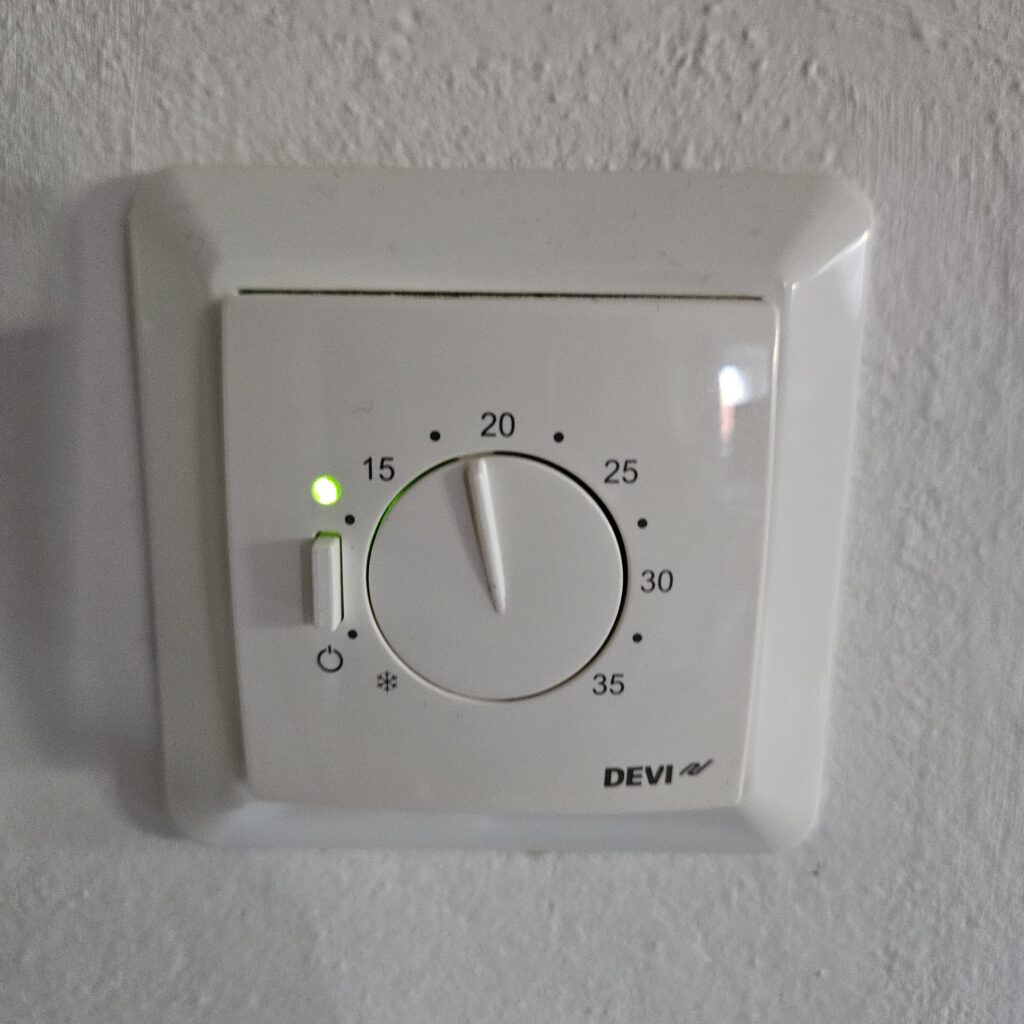
Old thermostat
The first device that I bought was a MOES Smart ZigBee Thermostat. These devices are something that I didn’t dare to tinker with by myself and instead invited an electrician to come and replace it. Once it was done, pairing the device in ZHA was fairly simple. But to my disappointment, there seemed to be no support for this device in Home Assistant. Despite seeing the device itself, there were no entities associated to it and so it was basically useless. Which was a pity because the design of this device was pretty slick.
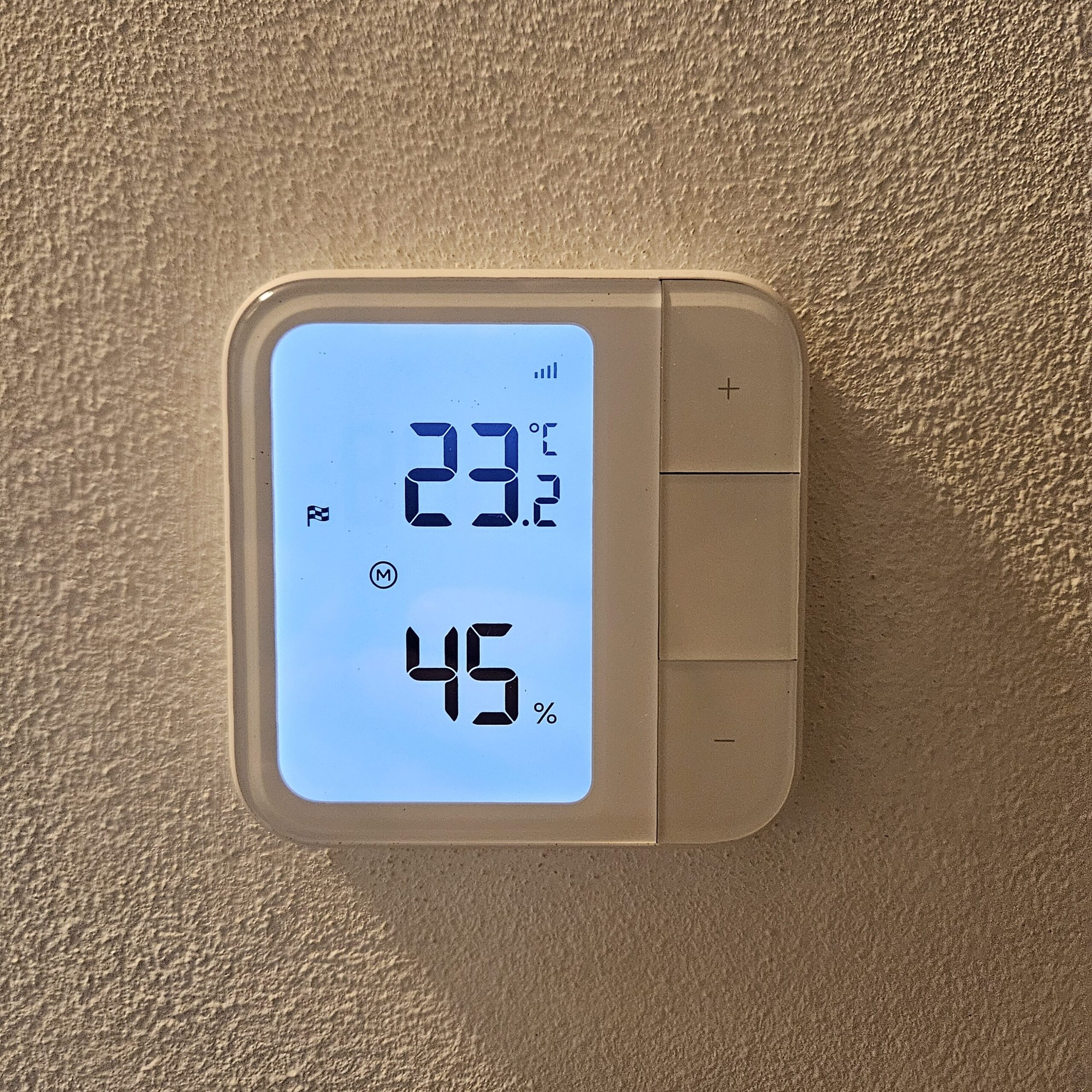
So I had to go back to the drawing board. After some online research, I found a device that some people claimed worked for them in Home Assistant: AQARA Floor Heating Thermostat W500 (UT-A01D). Again, I ordered one to test it out and invited an electrician to swap it with the previous one. The new one was not as good looking but as long as I could control it remotely, I’d be fine with it:
Setting it up was by no way a straightforward task, though. First, I naively started looking for a new Zigbee device in HA but to no avail. I knew that the device supported both Thread and Zigbee but it turns out it was switched to the Thread mode by default. To be able to switch the mode to Zigbee, I’d have to use the manufacturer’s native app temporarily. Long term, I don’t want to use the apps that various manufacturers provide with their devices and I prefer to plug everything into Home Assistant. As a workaround, it was fine, however. I installed the app, scanned the QR code that went with the thermostat and started adding it to the app.
And this is where I ran into another pitfall. Despite seeing it via Bluetooth, the app refused to pair the device without a Thread hub provided by the manufacturer. So basically, this was a Catch 22. The device could supposedly be paired with HA in the Zigbee mode but to be able to switch it to the Zigbee mode, it had to be connected to a Thread hub first.
For a while, I was contemplating switching my Connect ZBT-2 device from Zigbee to Thread mode but was very much worried about completely messing up my existing Zigbee network that way. Besides, it seemed that the Aquara app would only talk to an Aquara hub anyway. This was a disappointing dead end.
In the evening, I found the cheapest Aquara hub out there – M100. It cost an equivalent of 28 USD and arrived the following day. It’s basically just a USB dongle that I plugged into a laptop. Once it was running, I paired the Aquara phone app with it. And after that, I was able to add the thermostat to the app.
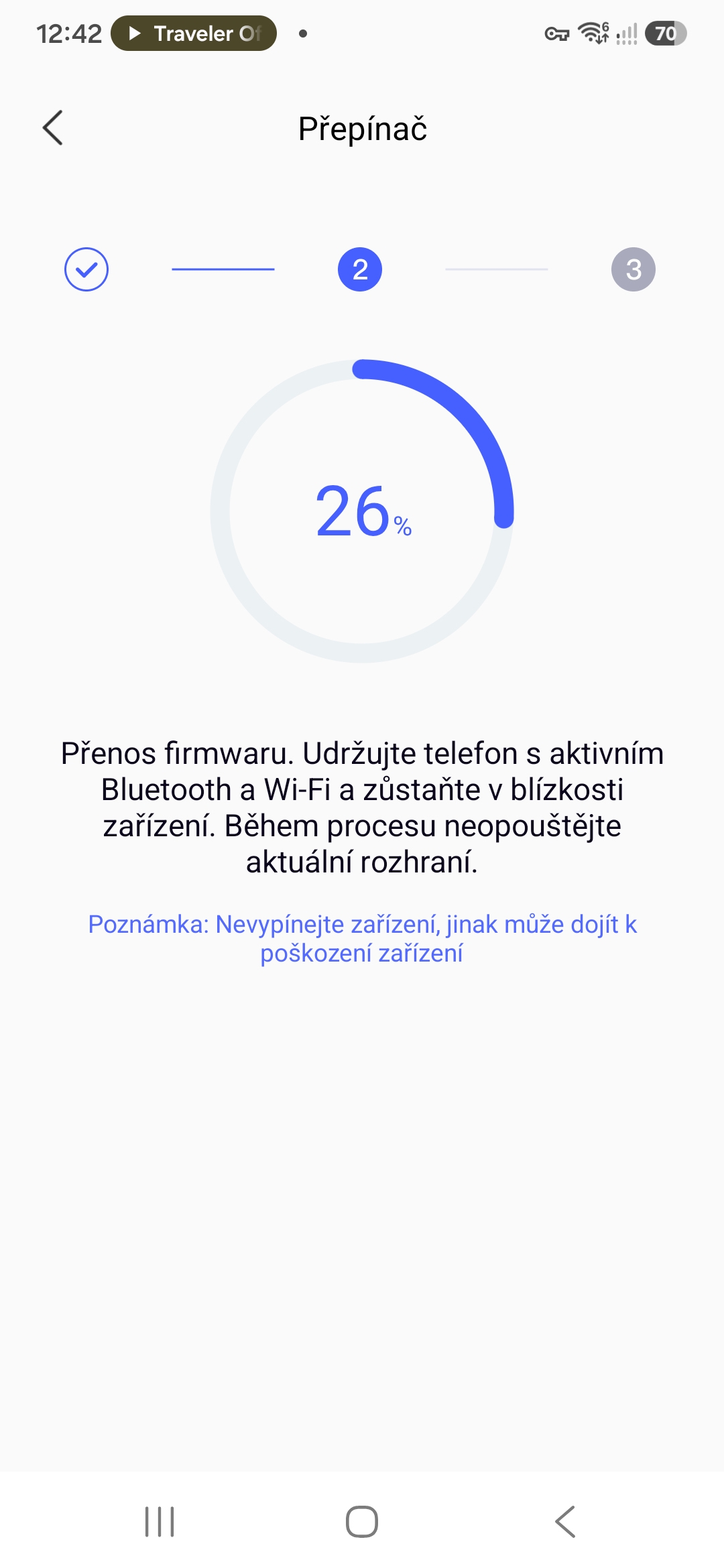
Now, I was finally able to switch it to the Zigbee mode in the app. It took some time to do so and I was watching the firmware update with a bit of anxiety but it did work just fine in the end.
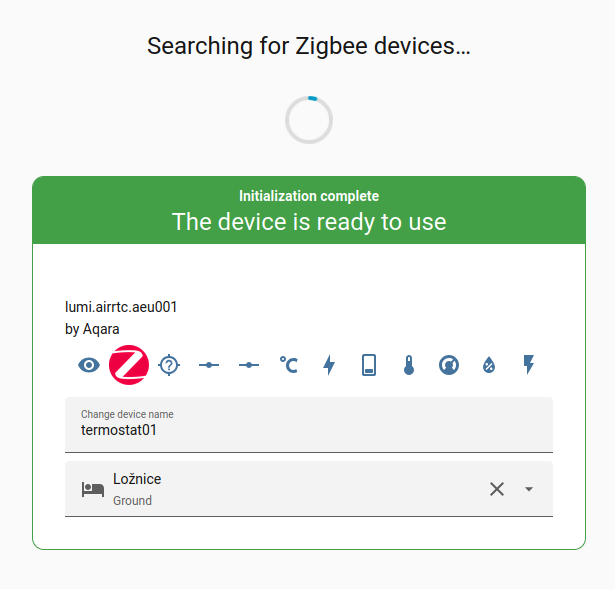
Now, finally, the device appeared in the ZHA integration in Home Assistant and I was able to add it there:
Everything worked like a charm after that. I’m able to see the device details, how much power it’s drawing at a given point in time, its history, etc. And most importantly, I’m able to turn it on and off and set the temperature targets from anywhere now.
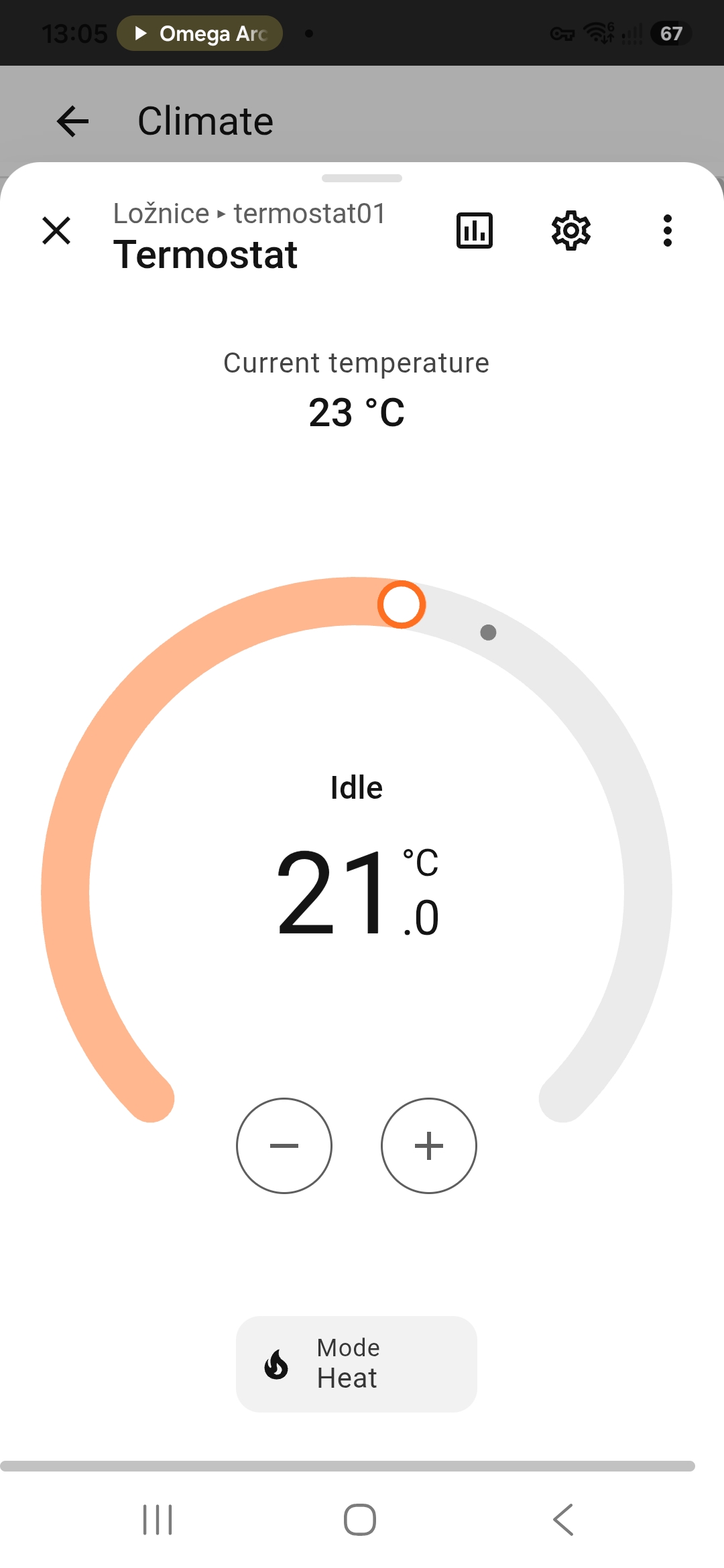
I’m glad it worked out in the end, despite the detour of having to purchase an extra hub. In theory, I could have returned the hub after using it and get money back but I decided to keep it in the drawer just in case I find myself in need of it in the future. By now, I’ve had the thermostats replaced in the other rooms as well so right now, I can remotely control temperature in all the rooms, which is great, especially when combined with remotely controlled window opening for better ventilation.